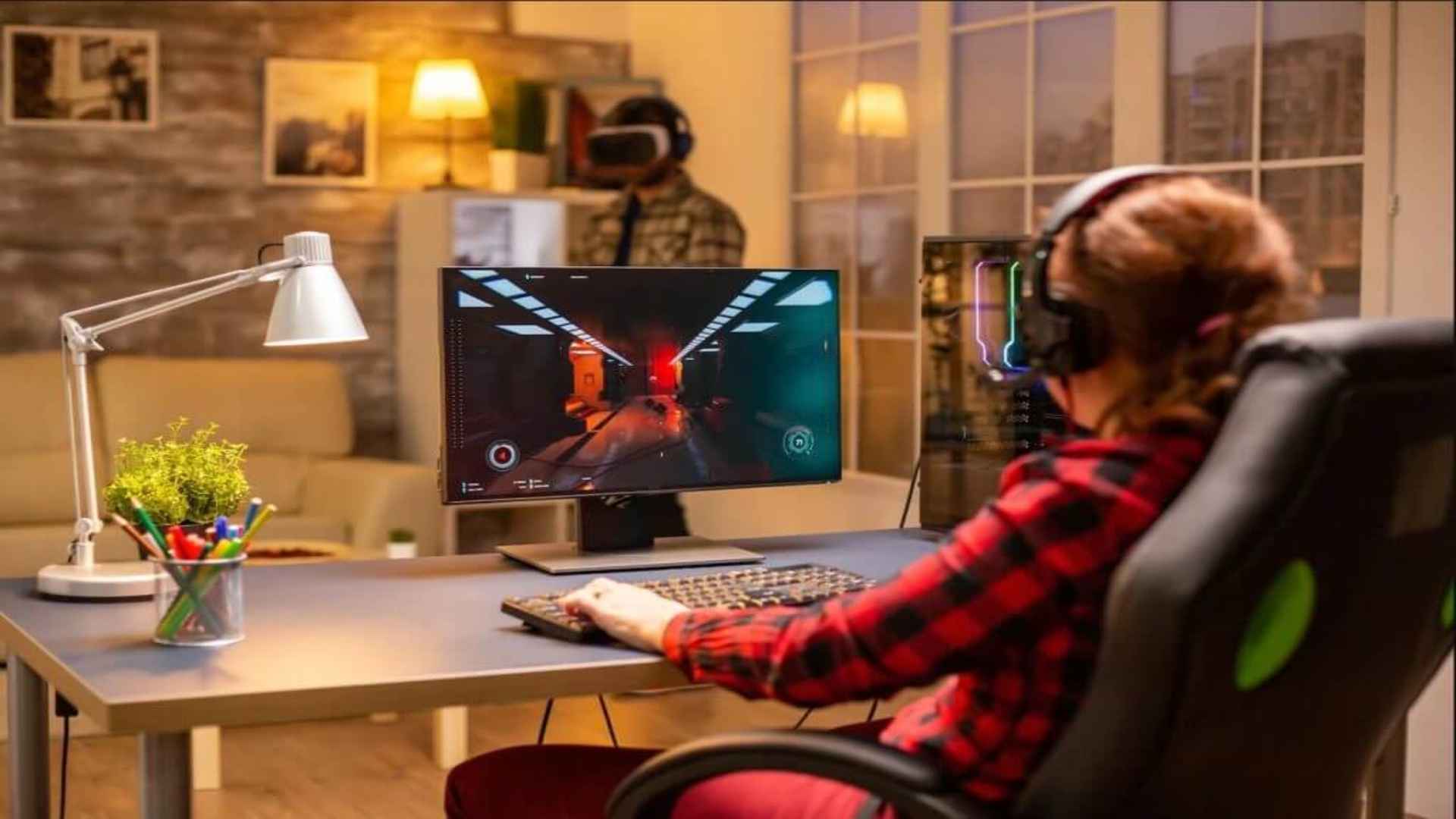
Many console players wonder if they can run their favorite PC titles directly on their home system without buying extra hardware. While the Xbox operating system does not natively support the Steam client, several workarounds exist to bridge the gap between console hardware and PC game libraries. Understanding these workarounds helps players make informed decisions when attempting to access their PC titles on a television set.
Understanding Xbox and Steam Ecosystem Compatibility
The primary barrier preventing Xbox consoles from running Steam games natively is the difference in operating system architecture and digital storefront rights. Xbox consoles operate on a customized version of Windows designed strictly for curated console software distribution. Consequently, Valve's Steam application cannot be downloaded or installed directly through the official Xbox store interface.
Despite these system restrictions, players frequently explore alternative streaming options to play their computer libraries on larger displays. Staying informed with daily gaming news can keep enthusiasts updated on future cross-platform features and browser software compatibility improvements. Microsoft continues to update its ecosystem, bringing console and PC functionality closer together through cloud initiatives.
Using Cloud Streaming Services via Microsoft Edge
One popular method to access Steam titles on Xbox hardware involves using the built-in Microsoft Edge web browser. By navigating to cloud gaming platforms such as NVIDIA GeForce NOW through Edge, players can log into their Steam accounts directly. This service streams games rendered on remote servers directly to the console display in real-time.
This browser-based streaming solution offers broad controller support and reliable performance provided the user has a fast internet connection. However, game availability depends strictly on which Steam titles are supported by the specific streaming host. Additionally, slight latency can occur during high-traffic hours or over wireless network connections.
Wireless Remote Play Options from PC to Xbox
Another practical way to bring PC titles to your living room display is by streaming gameplay directly from a local home computer. Applications like Steam Link can be mirrored or accessed through third-party network tools that project the PC screen to the Xbox. This allows the console to act as a receiver while the host PC handles all hardware rendering requirements.
For this local setup to run smoothly, both the PC and the Xbox console should ideally connect using wired Ethernet cables. High-speed local networks minimize input lag and provide clear image quality during intense gameplay sessions. This approach allows players to enjoy non-cloud-supported titles without moving their gaming PC into the living room.
Alternative PC Access via Xbox Ecosystem Features
Players looking for PC-style gaming directly on their console can also utilize Microsoft Play Anywhere initiatives. Many modern digital titles purchased on Xbox grant access to the PC counterpart at no additional cost. Shared save progress across both platforms provides seamless cross-device flexibility for multi-platform gamers.
While this feature does not run through the Steam storefront, it offers a similar benefit for cross-platform convenience. Gamers can transition between PC desktop setups and console couch play effortlessly. Evaluating these compatibility options ensures you pick the best method for your current home setup.