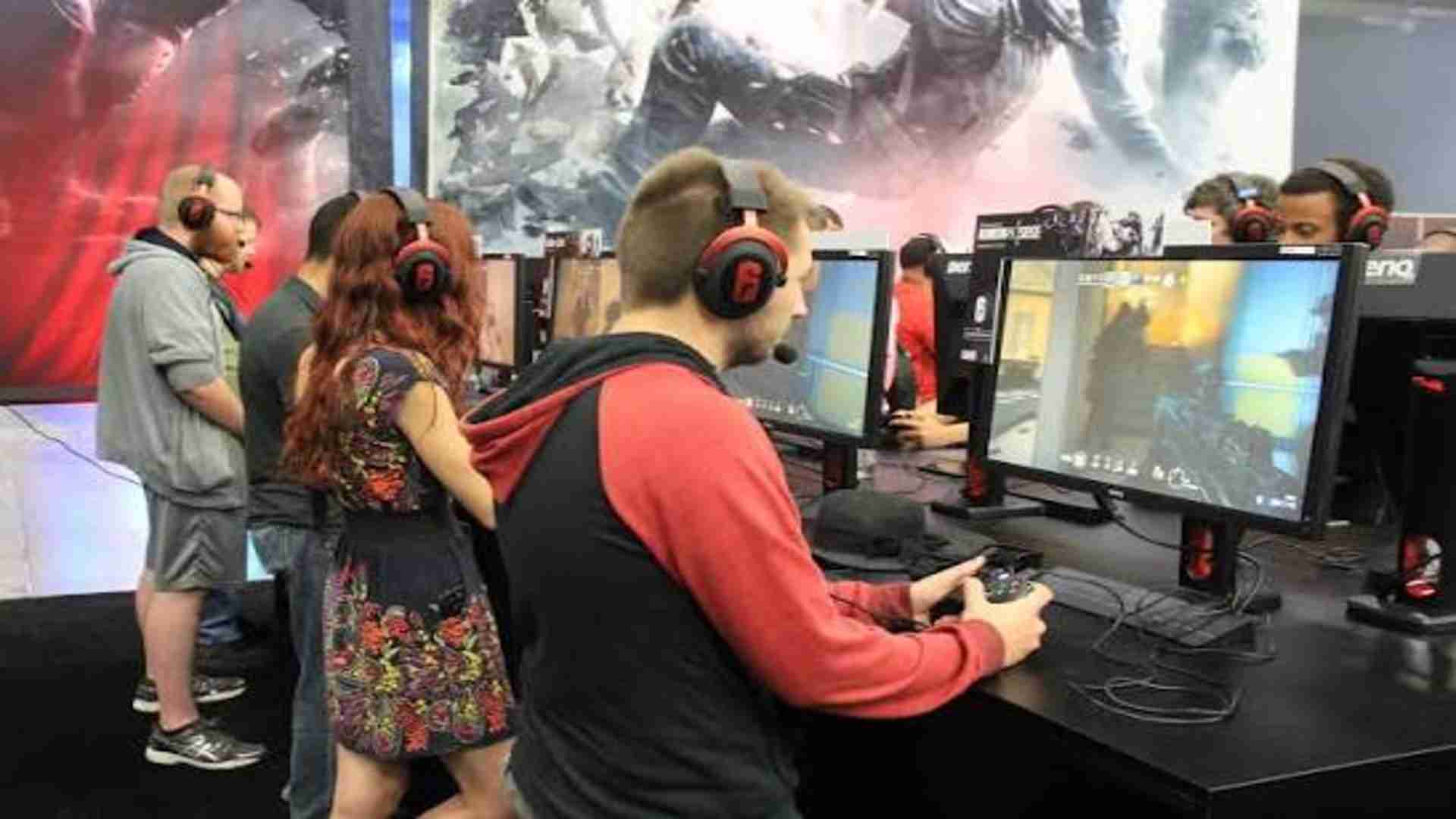
Deep Rock Galactic has earned massive popularity for its engaging four-player cooperative gameplay and procedural cave exploration. However, many players who enjoy couch gaming wonder whether the title supports native local split-screen multiplayer across consoles and PC platforms. Knowing how the game handles multi-player setups helps gaming groups choose the best hardware configuration for their local sessions.
Native Local Co-Op Capabilities in Deep Rock Galactic
Official releases of Deep Rock Galactic on PlayStation, Xbox, and Steam do not feature a built-in split-screen mode. The developers built the game primarily around online peer-to-peer connections and system link mechanics. As a result, each player needs a separate screen and gaming device to participate in subterranean missions together.
This design choice allows the engine to maintain smooth rendering performance during intense alien swarm encounters. Splitting a single display into multiple views would heavily tax system hardware due to the fully destructible environments. Consequently, players looking for couch co-op must rely on multiple connected devices instead of a shared TV view.
Community Solutions for PC Split-Screen Gaming
PC gamers have created workarounds to bypass the lack of native split-screen support. Third-party tools such as Nucleus Co-op allow players to run multiple instances of the game simultaneously on a single computer setup. With appropriate hardware, this utility renders separate viewports on a shared monitor or multi-monitor arrangement.
Setting up custom handlers requires configuring individual controller inputs and setting up isolated save files. While this approach offers a true local multiplayer feel, it demands significant processor and graphics processing power. Console users unfortunately cannot access these community modding tools and remain restricted to standard online play.
Alternative Co-Op Strategies for Local Gaming Groups
Players hoping to gather in the same physical room can establish a local area network or online party. Utilizing cross-platform features between Xbox and Windows Store versions offers flexible hardware options for friends sharing a living space. Each miner can customize their own dwarf and class loadout without compromising screen real estate.
When planning local play sessions, players often look for diverse gaming experiences across different genres. Exploring options helps couch gaming fans find titles specifically designed for shared-screen play. Deep Rock Galactic continues to thrive as an online co-op powerhouse even without a traditional couch mode.
Future Outlook for Local Multiplayer Options
Ghost Ship Games continues to update the game with seasonal content, performance enhancements, and balance patches. While the community frequently requests native split-screen functionality, developer priorities remain focused on expanding online content and core mechanics. The current architecture makes a official split-screen update unlikely in future patches.
Gamers can still enjoy top-tier cooperative mining by leveraging online lobbies or community-driven PC tools. Deep Rock Galactic remains one of the premier multiplayer experiences available, provided players set up individual screens before diving into Hoxxes IV.